Automate your PC — all of it — in one local app.
One local app for every kind of automation — keybinds, scripts, voice, overlays, scheduling and AI, all on your machine.
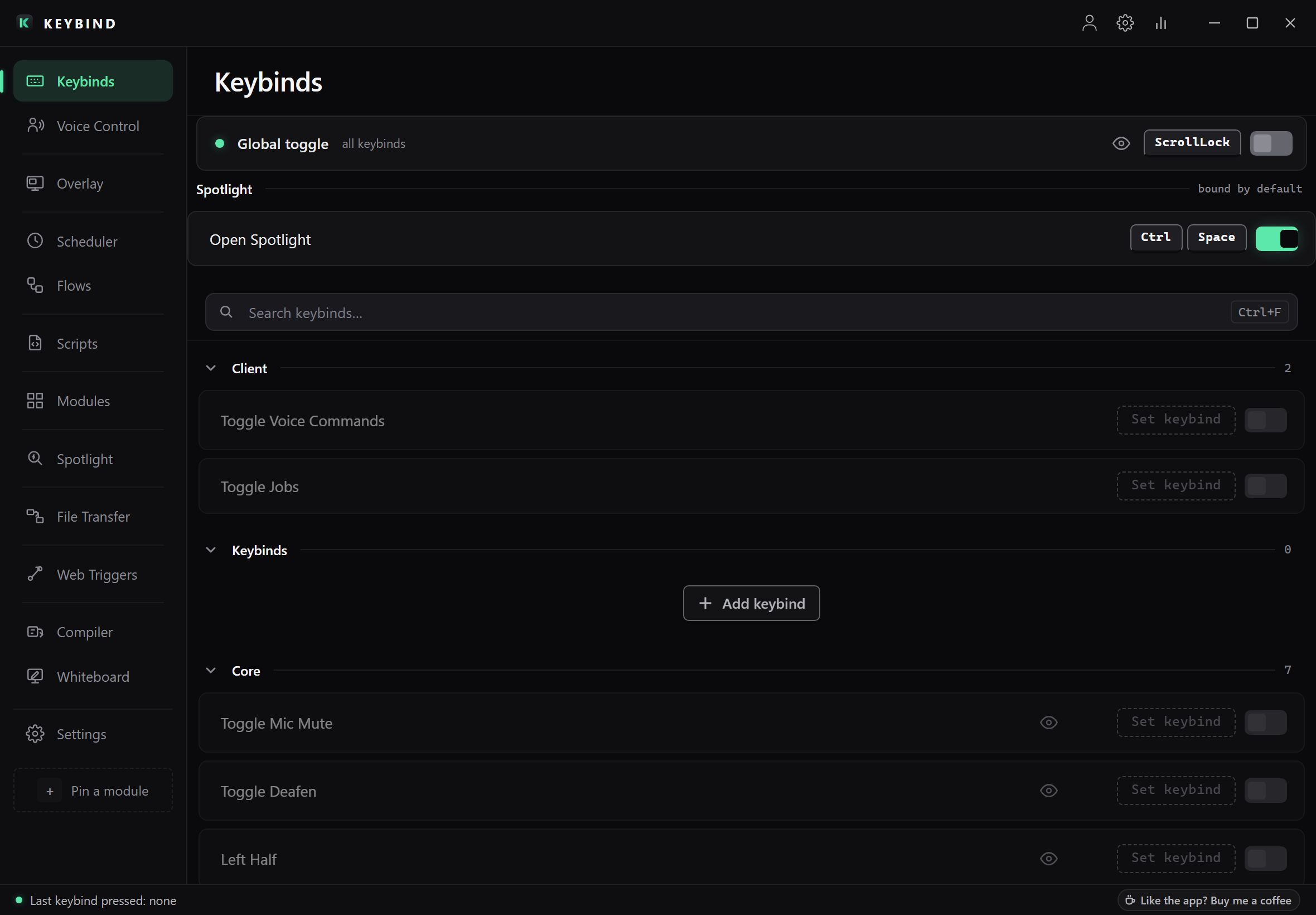
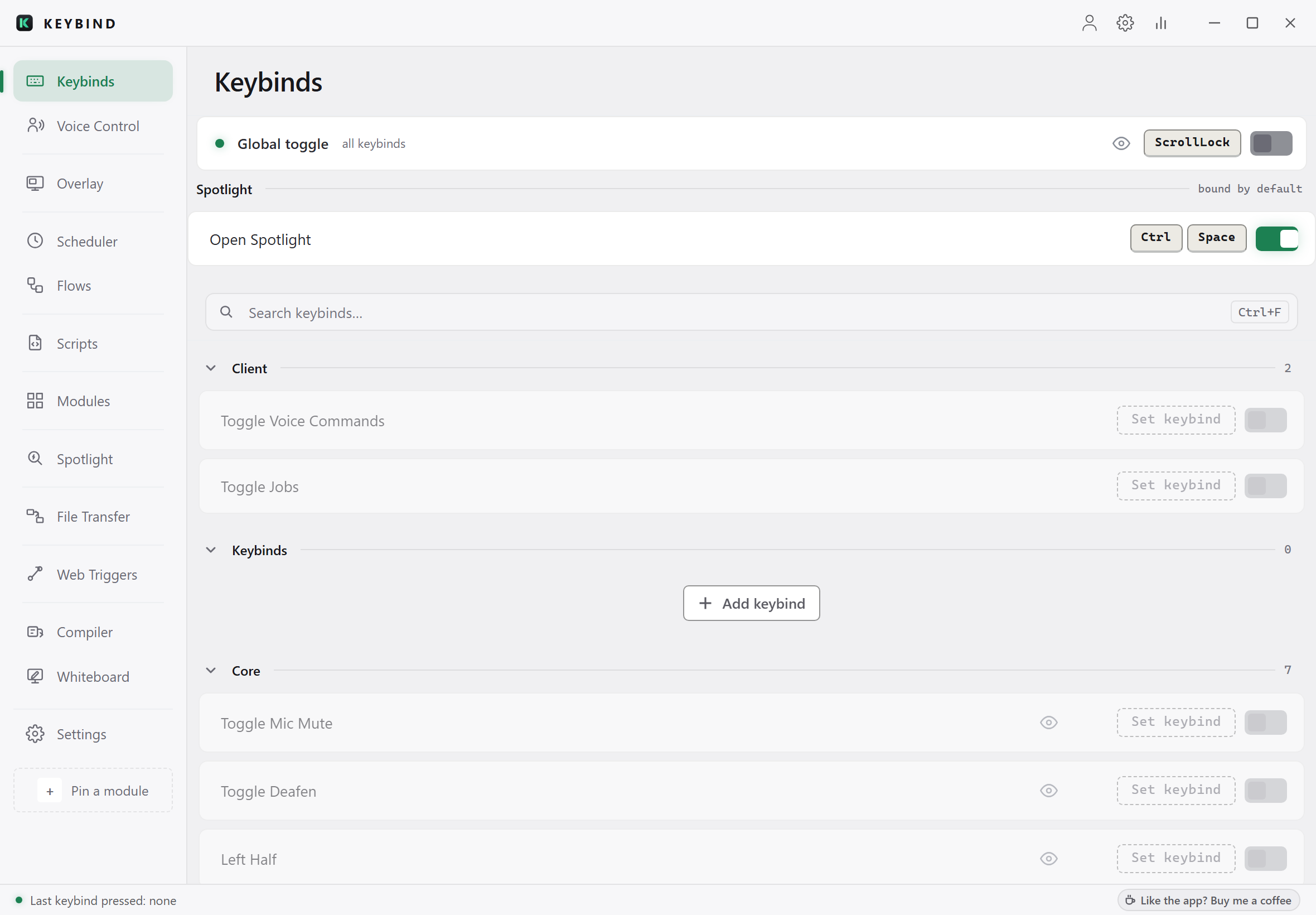
Bind
Nothing is bound until you say so.
Press a key, name it, done. Keybinds sit in categories you can fold away, and the global toggle at the top pauses all of them at once, so a game or a screen share never trips one by accident.
Script
Scripts are files. Read them, diff them, keep them.
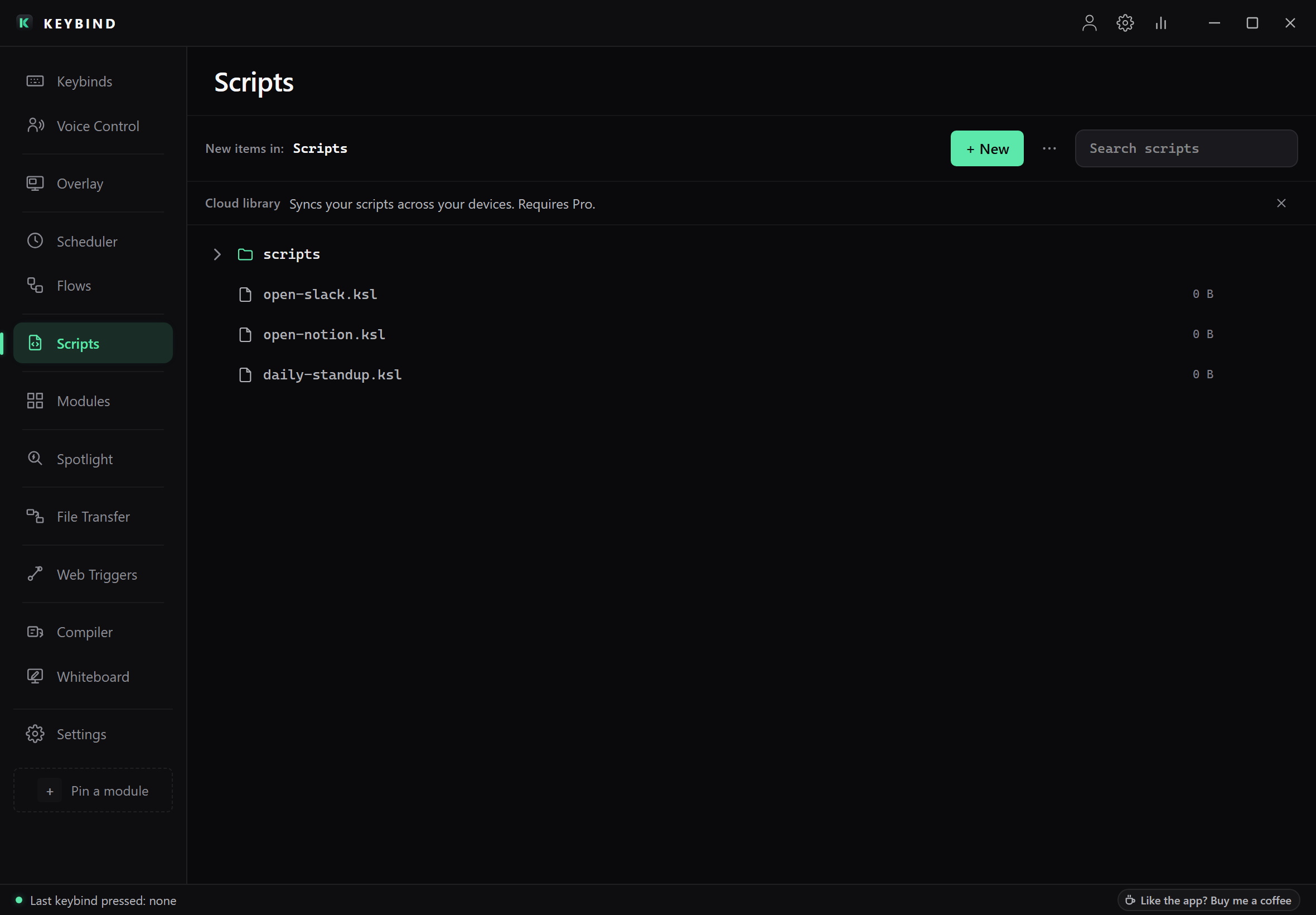
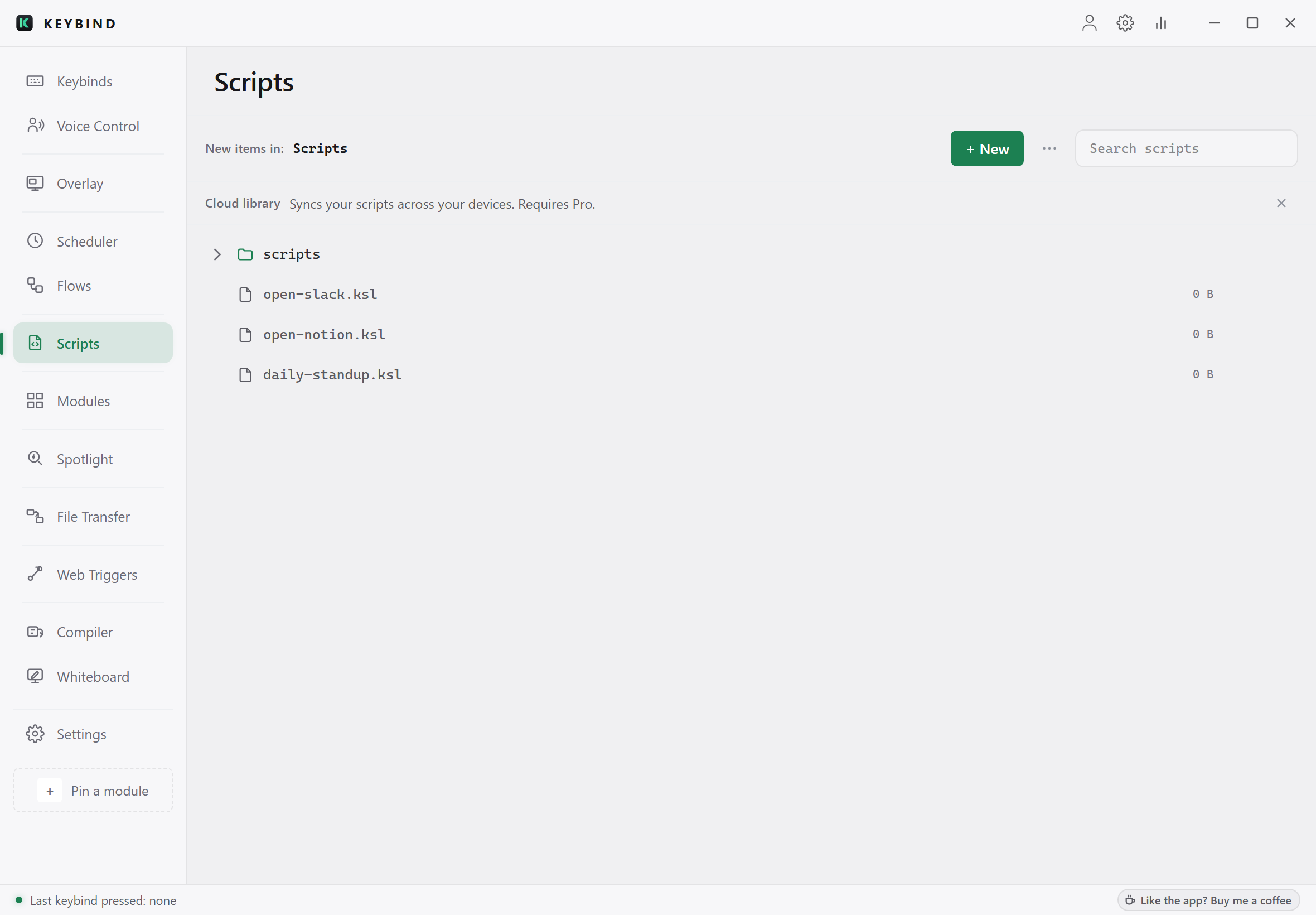
The Scripts tab is a folder on your disk. Every script is a plain .ksl file: open it in any editor, put it in git, copy it to another machine. Bind one to a key, or let a schedule or a voice phrase run it.
See
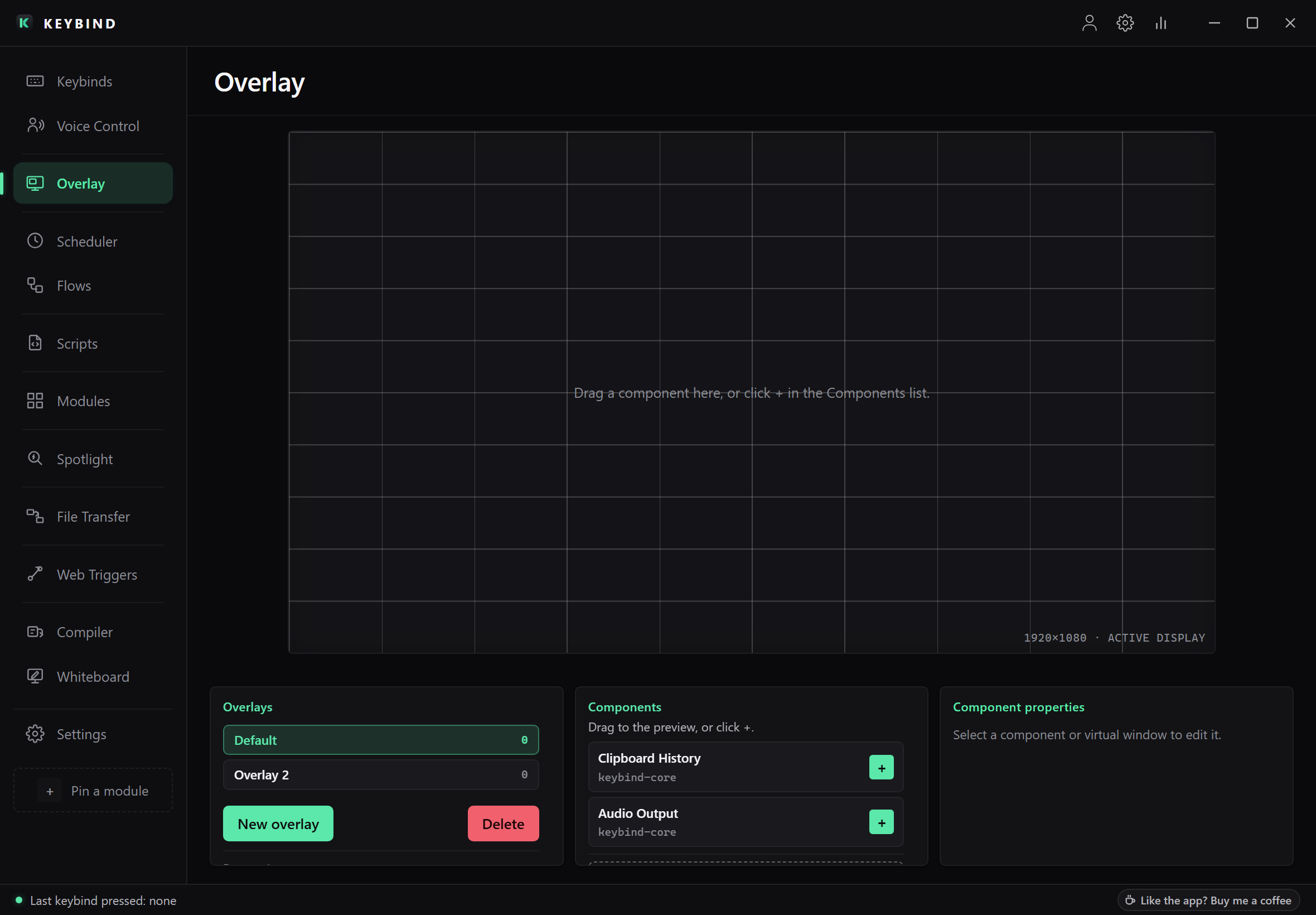
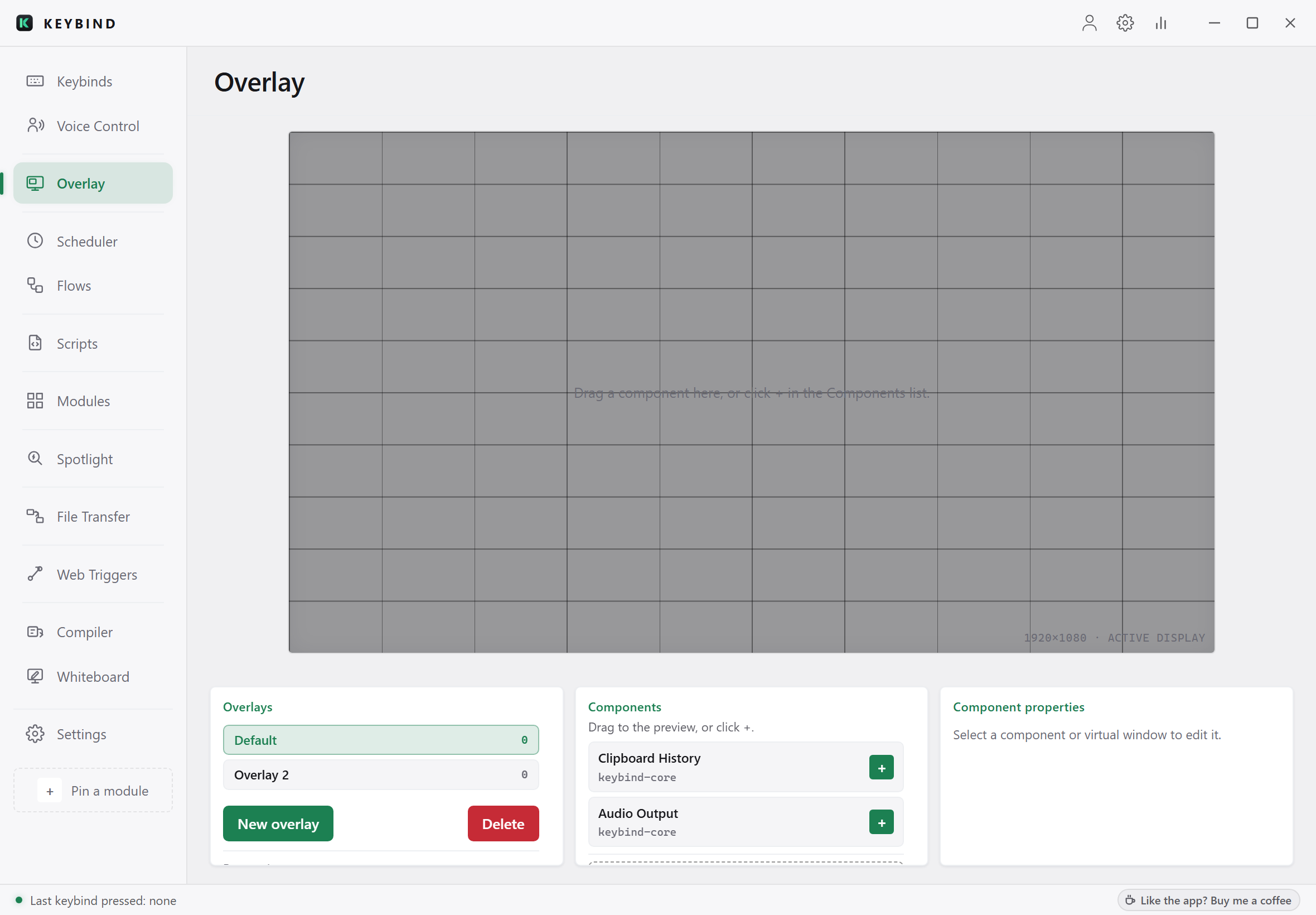
Compose a HUD, bind it, show it on any monitor.
Drag a component onto the canvas, size it, place it. Clipboard history, audio output, and whatever your modules provide. Bind the overlay to a key and it appears over whatever you're doing, on whichever display you point it at.
Schedule
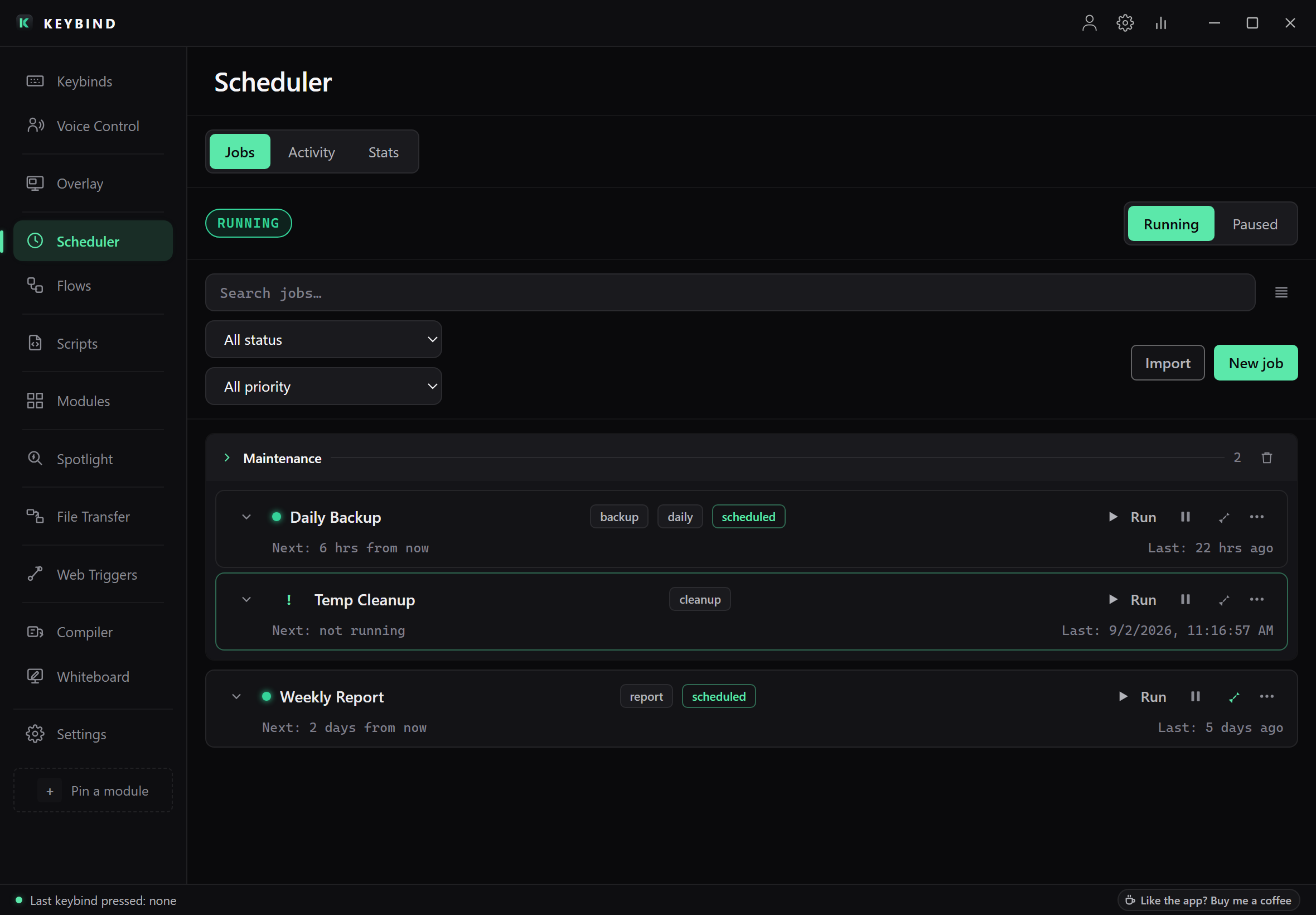
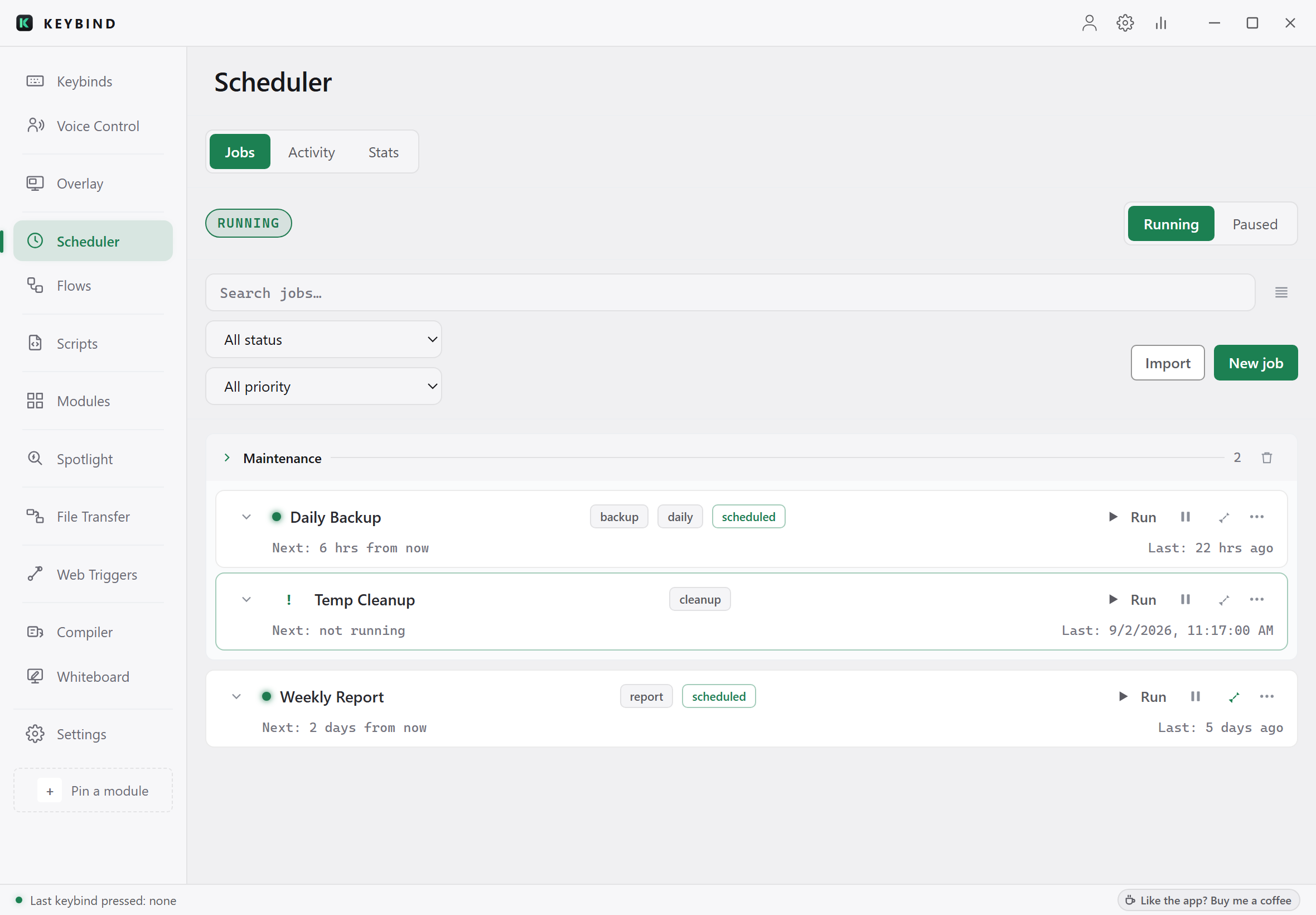
Jobs that run while you're not looking.
Timers, cron, startup, folder changes. Each job carries conditions, retries and its run history, so you know why it last fired and when it fires next. Pause the scheduler with one click, or bind Toggle Jobs to a key.
From blank key to done
Three steps. That’s the whole flow.
A key, a voice phrase, a schedule, or a launch condition.
A built-in action, a script, an overlay, or a module you installed.
Locally, every time. Or describe it in plain English and let AI build it.
The language underneath
A real scripting language, only when you want one.
Simple binds stay simple. But KSL is a real language: variables, control flow, functions, and a standard library for windows, clipboard, files, processes, HTTP, and AI.
Every script declares what it’s allowed to touch. This one asks for audio control. Nothing else can run until you approve it.
Read about KSL →// Mute the mic from any app, and say so.
capability audio.control
on key("ctrl+alt+m") {
let muted = audio.toggle_mute("default")
overlay.toast(muted ? "Mic muted" : "Mic live")
}It runs on your machine. It asks first.
AutoHotkey runs with full ambient privilege. Keybind doesn’t.
Runs on your machine
The full app, including binds, scripting, scheduler, screen OCR, and clipboard history, works locally, forever, no account.
Asks before it acts
A script can’t touch your files, network, registry, or shell unless it declares it and you approve.
Private by default
Voice recognition is 100% on-device. Your audio never leaves the machine.
Your AI key stays yours
BYO keys are encrypted locally and never uploaded, even under cloud sync.
The full desktop app. No account required.
Everything in Free, plus:
Keybind isn’t open-source and there’s no Linux build. AutoHotkey can also compile to .exe. PowerToys ships real OCR. The comparison table concedes all of it.
Automate the boring parts.
Bind a key, write a script, or just describe what you want. It runs on your machine.
Download for Windows